Make it scale across every blank.
Upload artwork. Get vector that holds up from a coaster to a full-size shirt.
3 free previews left · no signup to try
Real vector craft — see for yourself
Your trace lands as genuine, editable SVG paths — the same clean vector work behind Clearly’s bee-ecosystem murals. Infinitely scalable, every path editable, ready for Cricut, print or the web. No embedded pixels, no tangled auto-trace mess.
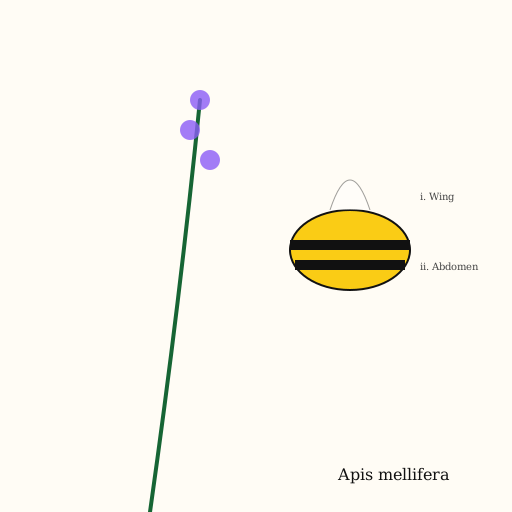




Hand-authored on the Clearly canvas · editable SVG, not raster.
White does not print — it is whatever the blank already is
Sublimation ink is transparent and it dyes the substrate rather than sitting on top of it. There is no white ink in the process, so every white area of your design is simply the colour of the blank showing through. On a white polyester shirt that reads as white and everything works. On a grey or coloured blank, those areas become grey — including the white highlight in an eye or the white gap inside a letter, which is where designs quietly fall apart. The corollary is the good news: because there is no screen and no separation, colour count costs you nothing. Photographs and gradients that would be expensive in screen printing are free here.
What a sublimation printer needs from the file
- White
- Does not exist as ink. White in the design = the blank's own colour.
- Colours
- Unlimited. Gradients and photographic tone print normally.
- Substrate
- Polyester or poly-coated only. Cotton will not hold the dye.
- Why vector
- One artwork scales from a mug wrap to a shirt front with no re-export.
- Colour shift
- Prints darker and more saturated after pressing than it looks on screen.
- Bleed
- Extend past the trim on all-over blanks — presses drift a few millimetres.
How it works
Photos and gradients are all fine here — sublimation has no colour limit.
Ask what each one becomes on your actual blank. On anything but white, they take the blank's colour.
Vector means the same file serves the mug and the shirt. Add bleed for all-over prints.
Free watermarked preview. $10 unlocks the clean, exclusive commercial file — emailed, no account, no subscription.
FAQ
Because there is no white sublimation ink. Unprinted areas show the blank, so on a grey blank every "white" area is grey. Designs intended for coloured blanks have to be built with that in mind, usually by giving white elements a printed colour instead.
Not durably. The dye bonds with polyester; on cotton it sits on the surface and washes out. Poly blends work in proportion to their polyester content, so a 50/50 gives a faded look by design.
It matters for reuse rather than for colour. A single vector artwork scales across an entire product catalogue — mug, tumbler, shirt, banner — at any size without re-exporting or losing edge quality. That is the whole argument for it here.
Heat drives the dye into the substrate and it develops darker and more saturated than the printed transfer looks. Experienced printers keep a pressed colour chart rather than trusting the screen.